Camera Settings Guide

Canon Cameras

1
Turn off Image Stabilization, Lens IS, and Digital IS

Find "Image Stabilizer Mode" and "Digital IS" in the menu and turn them off

If there are switches on the lens, turn them off as well

2
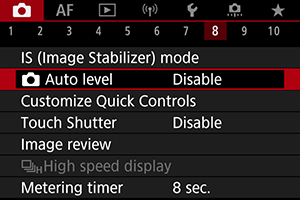
Turn off Auto Leveling (if available)

Find "Auto Level" in the shooting menu and turn it off

3
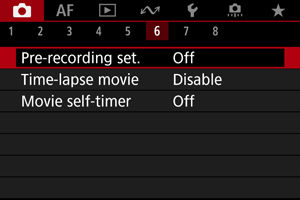
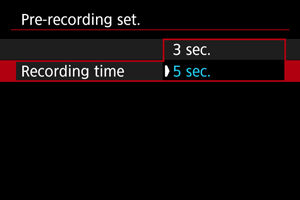
Set Pre-recording Time (if enabled)
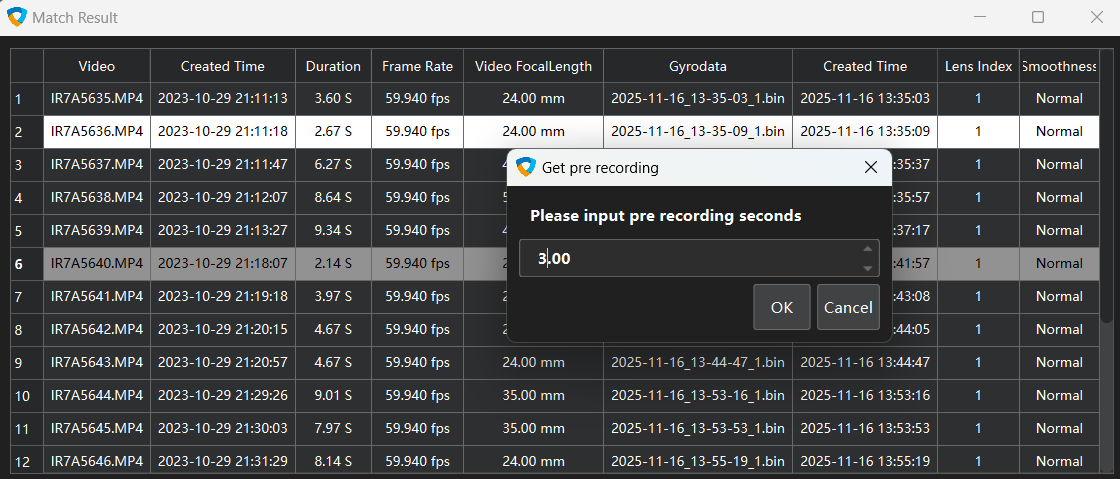
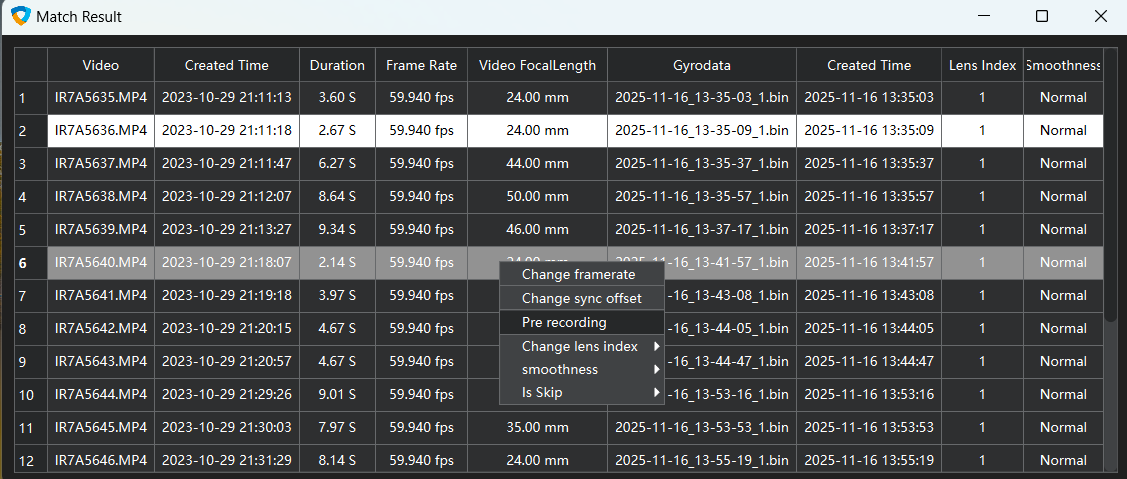
If pre-recording is enabled, set the pre-recording time in the matching list

Set the pre-recording time in the matching list, or it's recommended to turn it off entirely
Nikon Cameras

1
Turn off Image Stabilization, Lens VR, and Electronic VR

Find "Vibration Reduction" and "Electronic VR" in the menu and turn them off

If there are switches on the lens, turn them off as well

Sony Cameras

1
Turn off SteadyShot

Find the "SteadyShot" function in the shooting settings and set it to Off

Panasonic Cameras

1
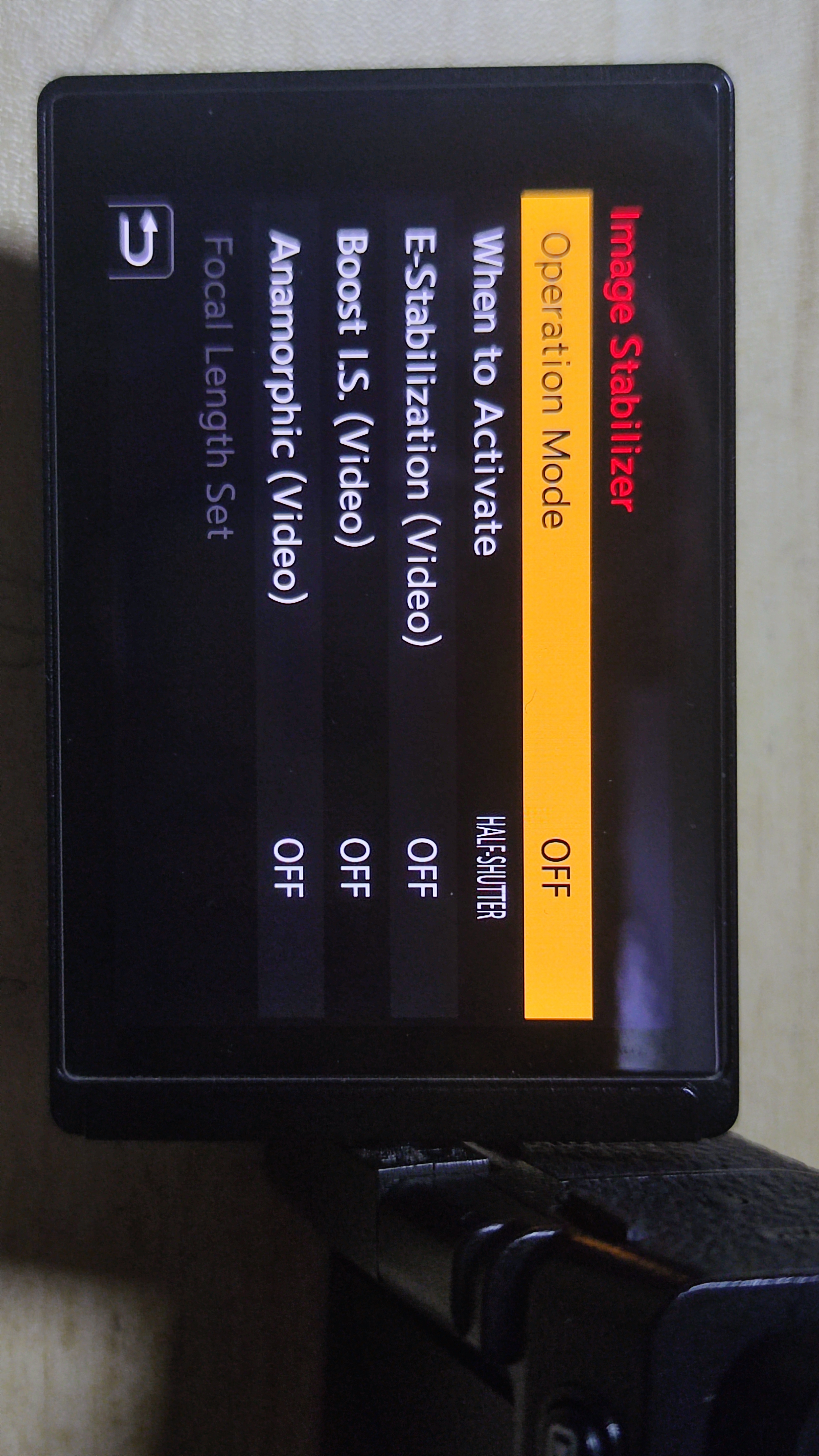
Turn off Image Stabilization

Find "Image Stabilizer" in the menu and turn it off

If there are switches on the lens, turn them off as well

Fujifilm Cameras

1
Turn off Image Stabilization

Find "Image Stabilization Mode" in the menu and turn it off

If there are switches on the lens, turn them off as well